Medical image analysis
From raw MRI scan to structured brain report
From MRI data to quantitative results—in one local research workflow.
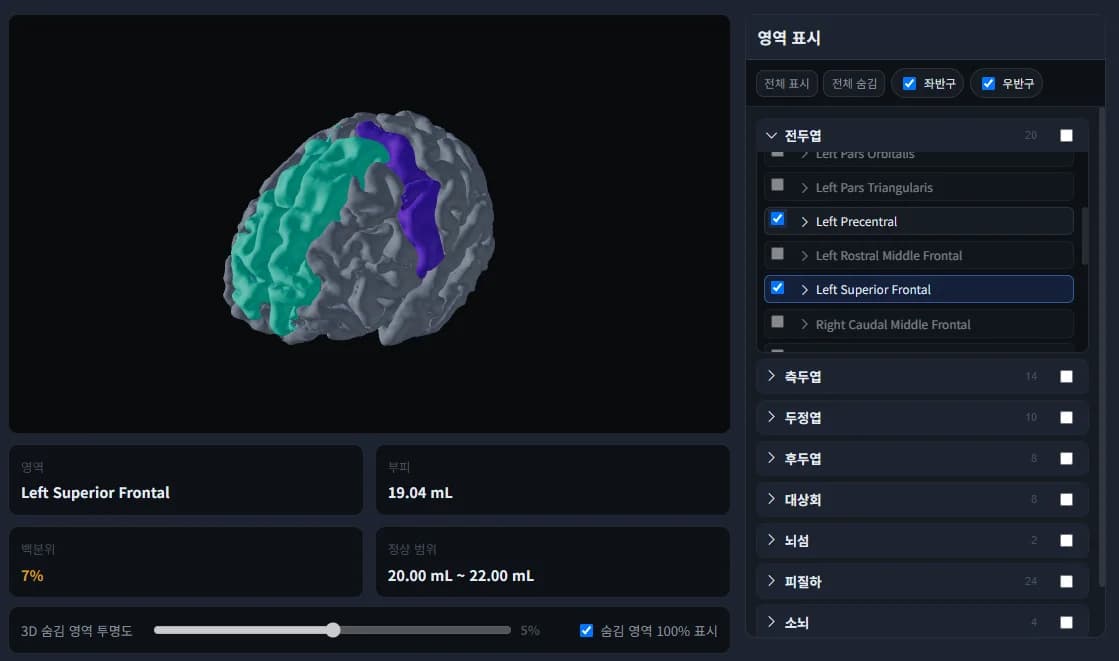
MTechLab combines DICOM handling, NIfTI preparation, AI brain analysis, quality-control outputs, and structured export in one local workstation workflow. It helps research teams move from scanner data to reviewable quantitative results without sending patient data outside the institution.
Workflow preview
Scan-to-report pipeline
Input
Scanner DICOM or NIfTI
Processing
Metadata, conversion, AI modules
Output
Overlays, tables, reports
Import
Select scanner DICOM folders, NIfTI volumes, or studies retrieved from an imaging archive.
Prepare
Read metadata, organize studies and series, detect acquisition type, and convert data when needed.
Analyze
Run AI modules for segmentation, functional analysis, diffusion, spectroscopy, or denoising.
Export
Generate visual overlays, quantitative tables, structured data, and review-ready reports.
Watch our AI turn raw scans into insight.
Three guided walkthroughs of MTechLab's AI software — intelligent MRI analysis, PET evaluation, and interactive neuroanatomy education — turning complex imaging data into clear, structured results.
Select a tab to switch the video and details.
BrainDS — intelligent MRI analysis software
Step inside MTechLab's AI analysis environment: review MRI data, run automated post-processing, and convert raw scans into clear, quantitative results for research — all in a single, end-to-end workflow.
- End-to-end MRI review and automated processing
- Structured, quantitative outputs for research teams
- Built around standard research MRI workflows
DICOM-aware intake
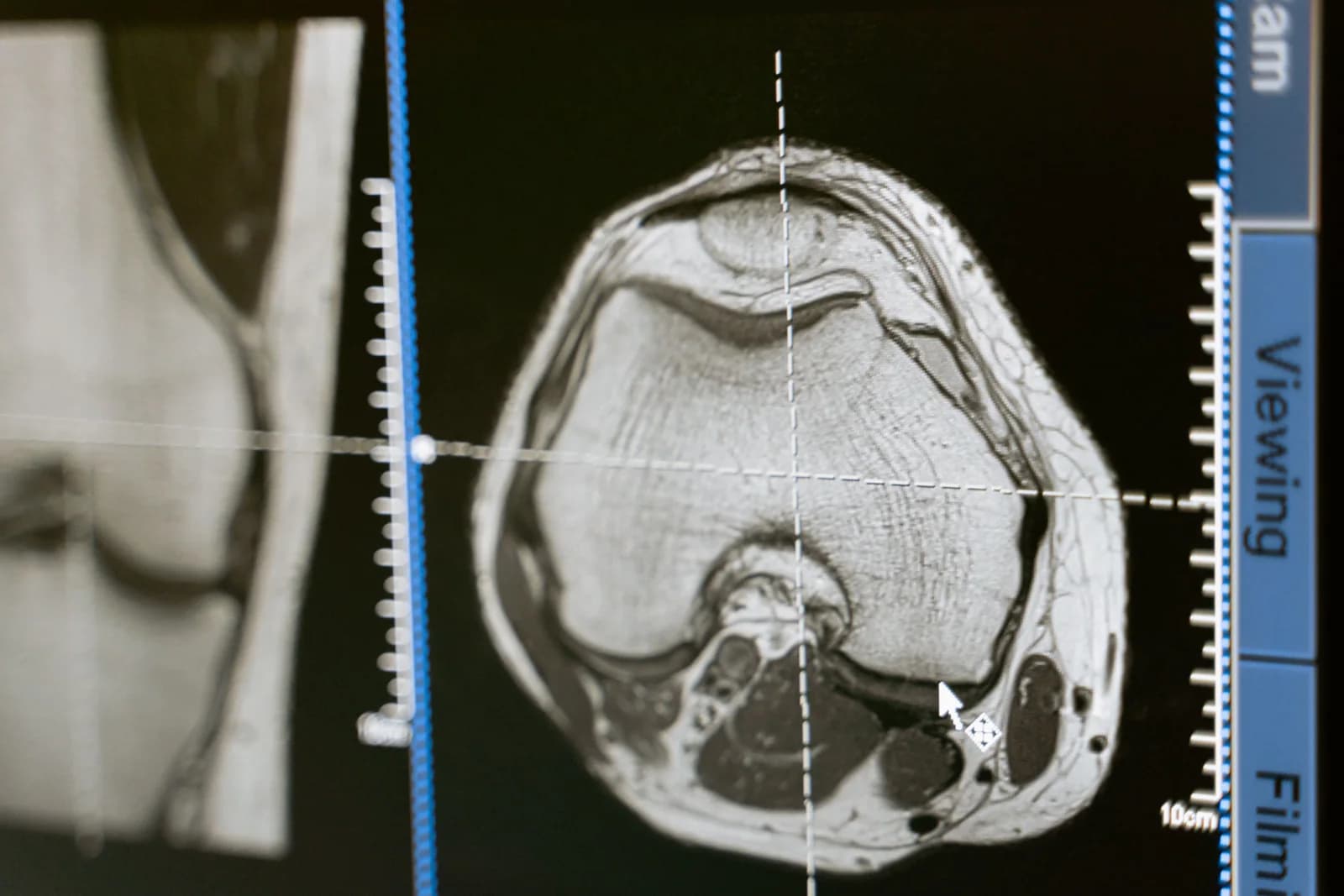
The workflow starts with the format hospitals already use. DICOM metadata helps identify patient, study, series, scanner, sequence, and acquisition parameters before analysis begins.

NIfTI-ready processing
Research-standard NIfTI volumes are accepted directly, and DICOM series can be prepared for NIfTI-based analysis pipelines when needed.

Multiple MRI scan types
The tutorial resources cover T1-weighted, T2-weighted, FLAIR, diffusion/DWI, fMRI BOLD, and PET/FDG examples, giving users a clearer view of what each data type contributes.
Not just a viewer. A processing workflow.
The software should be understood as a pipeline: it receives MRI data, prepares it, runs AI analysis, and leaves behind traceable outputs that can be reviewed by researchers and engineers.

Segmentation masks and overlays
AI brain segmentation creates labeled anatomical regions and visual overlays so users can inspect what the model identified.
Quantitative reports
Region-level measurements, summary tables, and report-ready results make the output understandable beyond the image itself.
Structured export
NIfTI, JSON, CSV-style tables, and PDF report concepts support both research review and downstream analysis workflows.
Traceable processing
Logs, intermediate files, labels, and statistics make the analysis easier to verify, reproduce, and integrate into a controlled workflow.
Five focused modules. One clear system.
Explore each module or try the live MRI denoising demo.
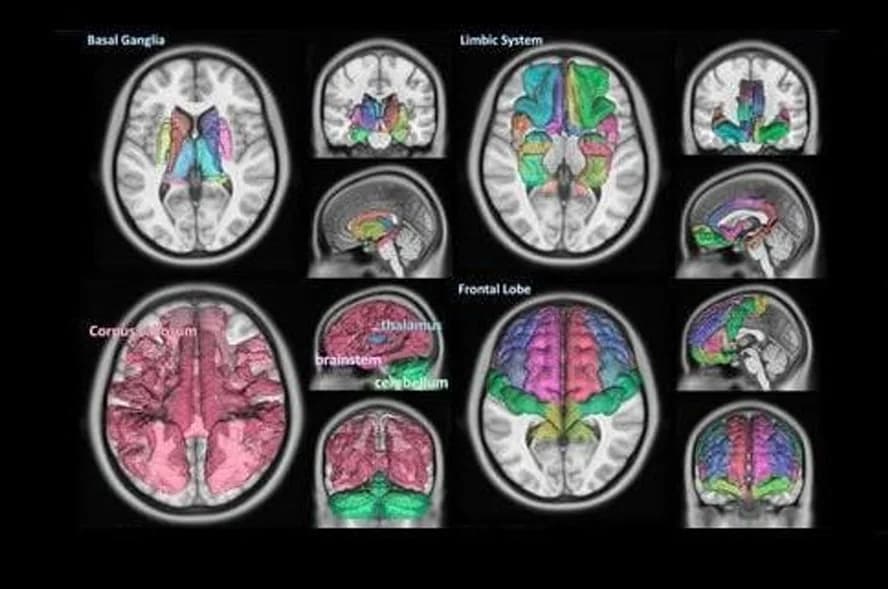
Brain Segmentation
Automated mapping of brain structures. Coming soon.
View module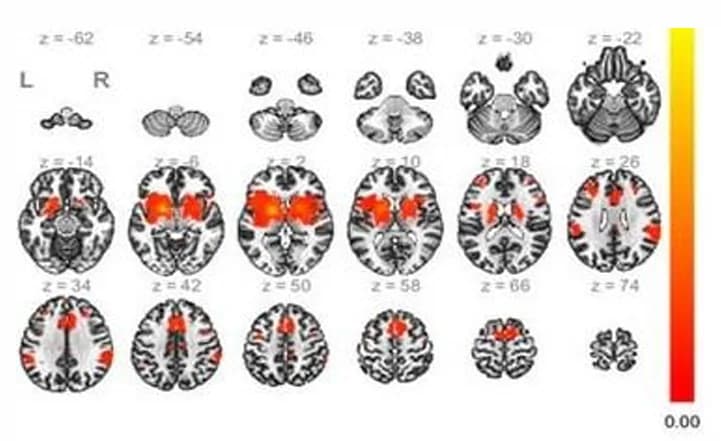
fMRI
Functional activation and connectivity analysis. Coming soon.
View module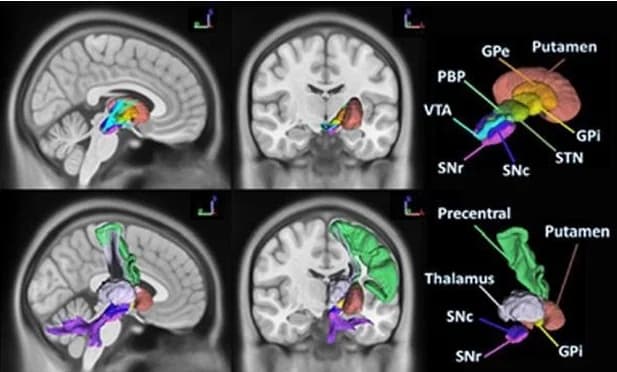
Diffusion MRI
White-matter pathway analysis. Coming soon.
View module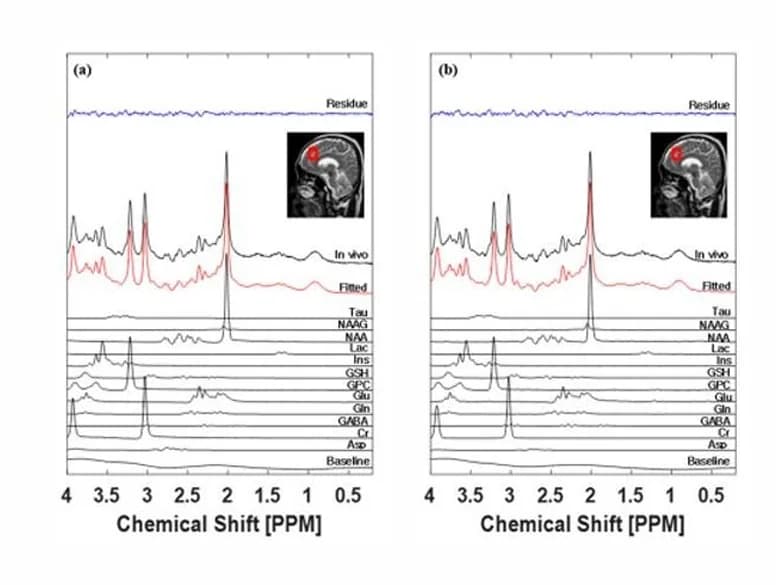
MR Spectroscopy
Metabolite spectrum analysis. Coming soon.
View module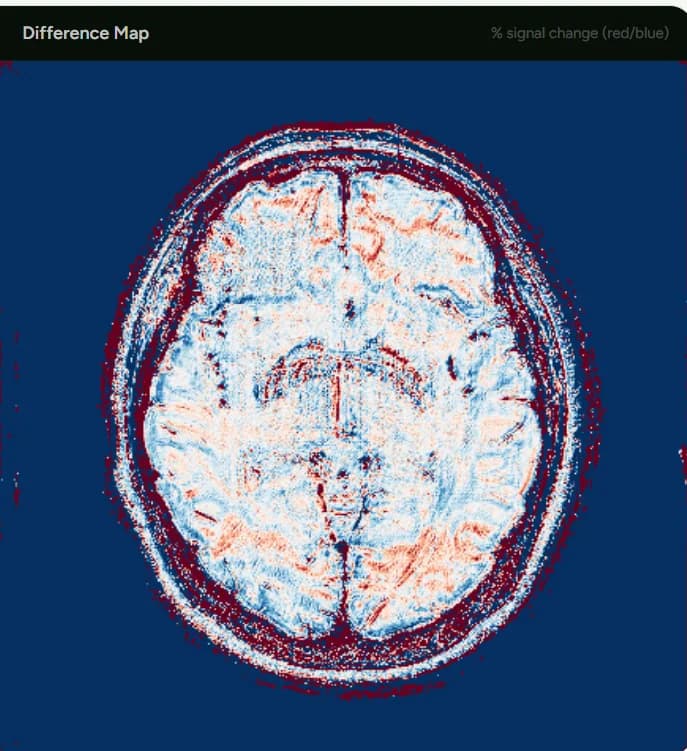
N2V MRI Denoising
Compare cleaner MRI slices in our live interactive N2V denoising demo.
Open demoBuilt around real hospital imaging workflows
The tutorial resources show DICOM hierarchy, DICOM-to-NIfTI conversion, Orthanc-style archive access, and BRAiDS pipeline organization. For users, this means the software can be explained as a practical system that works with existing imaging data and produces reviewable outputs.
Windows workstation
Designed for local use by research teams rather than as a cloud-only web service.
On-premise processing
Analysis can run where the data already lives, reducing unnecessary transfer of sensitive imaging data.
Archive-ready concept
Orthanc and DICOMweb concepts support a path toward PACS-style study retrieval and imaging-server integration.
Data governance
Local execution, metadata handling, and traceable outputs support controlled institutional workflows.
Explore the complete MRI analysis workflow.
From DICOM/NIfTI import and preparation to AI analysis, visual review, quantitative results, and export. Talk to our team about your research workflow.